
If you just got a Baofeng BF-F8HP and the manual reads like it was translated by a committee that never met, you are not alone. The radio is capable. The manual is not. And the one thing every new ham wants to do, get on the local repeater and talk to somebody, is exactly the thing the manual makes sound harder than it is.
I have been a ham since 2009, first as a Technician and later as a General, and I have programmed more handhelds than I can count. I bought the Baofeng BF-F8HP about two years ago when I rebuilt my setup after my old handheld finally died, and it is the radio that sits on my kitchen counter during storm season so my wife Joan can reach me if the power goes out. It is a solid little radio once you know the routine. This is the routine.
The radio that makes this whole process painless
The Baofeng BF-F8HP is the handheld I reach for every day. It is dual band, it puts out a solid signal, and it takes a beating. If you do not have one yet, this is the one to start with.
Amazon Check Today's Price on Amazon →Step 1: Find Your Local Repeaters
A repeater is a receiver and transmitter set up on a hill or a tall tower. It listens on one frequency and retransmits what it hears on another, which is how a 5 watt handheld can talk across a whole county. Your radio does the work of shifting between those two frequencies automatically, but you have to tell it which frequencies to use.
The easiest way to find them is the RepeaterBook website or app. Put in your city or zip code and it will list the repeaters near you, along with the receive frequency, the offset, and the tone. When I look up my corner of Tennessee, I get a list of machines within driving distance, and the one I use most sits on a ridge east of town. Its listing shows a receive frequency of 146.685, a positive offset of 600 kHz, and a tone of 100.0. That last part, the tone, is a small sub-audible tone called CTCSS, and you will hear hams call it a PL tone. It is just a filter that keeps the repeater from waking up on every stray signal.
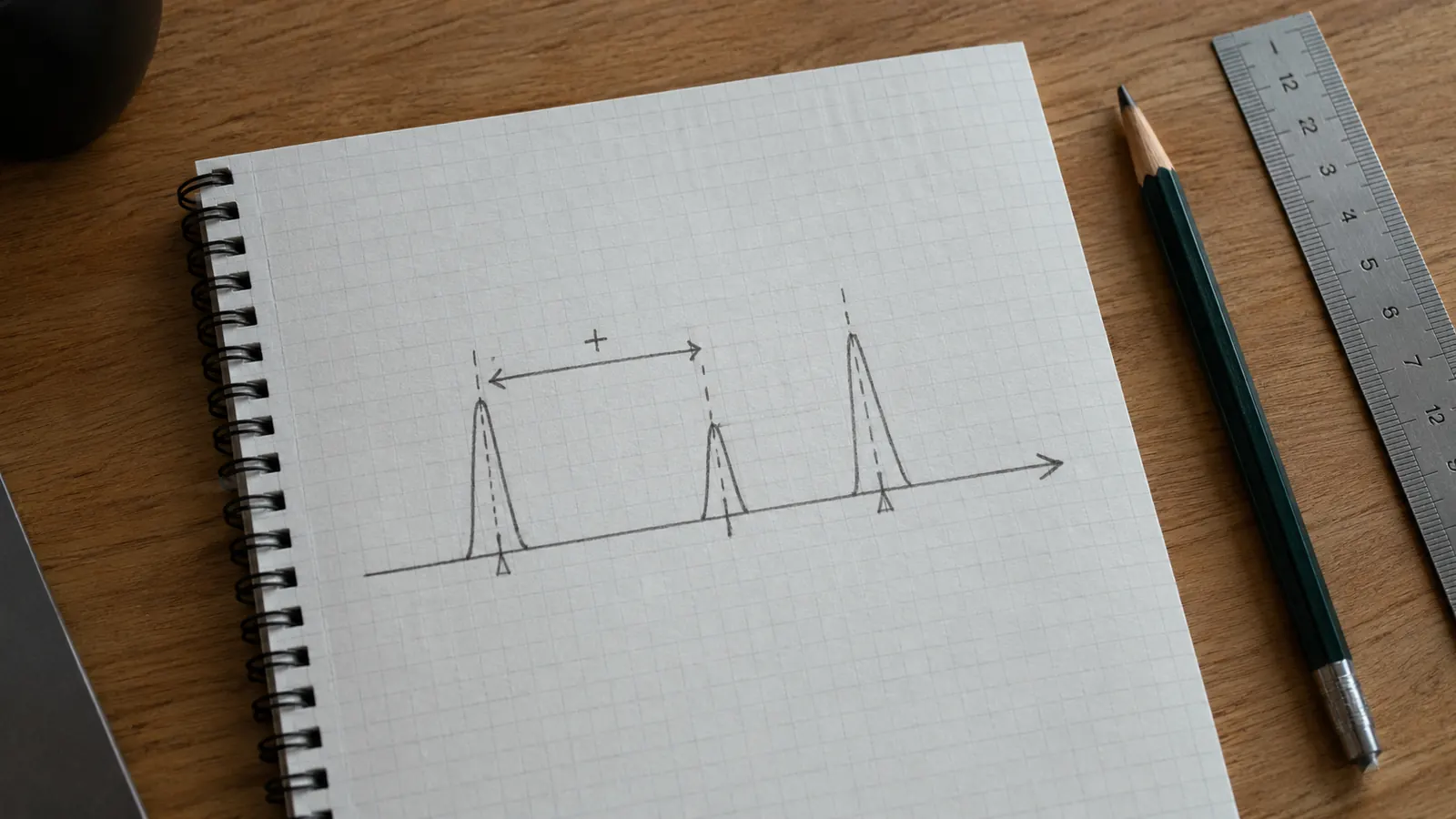
Write down three numbers for each repeater you want to try: the receive frequency, the offset, and the tone. If a listing says the offset is positive, you add it to the receive frequency to get the transmit frequency. If it is negative, you subtract. For 146.685 with a positive 600 kHz offset, the transmit frequency is 147.285. Most repeaters in the United States use a positive offset, but check the listing, because a few machines in the mountains run a negative offset and the math flips. Getting this backwards is the most common mistake I see, and I made it myself the first time I programmed a handheld back in 2009. I had the receive side working perfectly, but nobody could hear me until an old timer on the repeater talked me through the arithmetic over the air.
Step 2: Turn On the Radio and Open the Right Menu
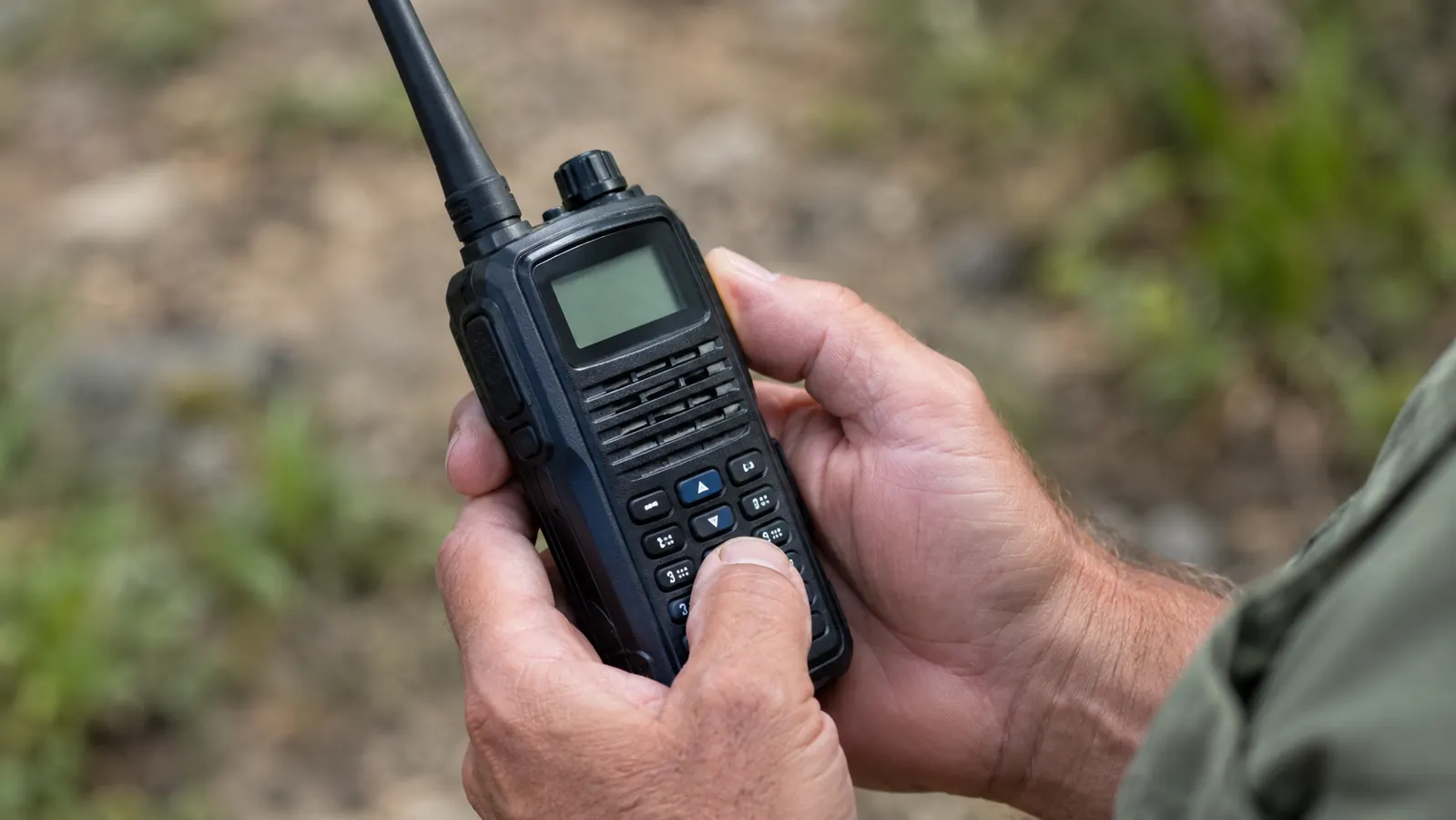
The Baofeng BF-F8HP has a keypad on the front, which is a blessing compared to some radios that make you scroll through menus one item at a time. Turn the radio on with the top knob, then press the orange VFO/MR button on the side to make sure you are in frequency mode, not memory mode. The display should show a frequency, not a channel number. The first time I picked up this radio, I skipped that step and typed a frequency straight into what I thought was the main screen. Nothing happened, because I was editing a saved channel. The orange button is the difference between the two modes, and it is worth pressing it twice to watch the display change before you start typing.
Press the MENU button, then the up or down arrow keys until the display shows step 25, which is the receive frequency setting. Type the receive frequency in directly with the number keys. On the BF-F8HP you enter it in megahertz, so for a repeater on 146.940, you type 1, 4, 6, 9, 4, 0. The decimal point is automatic. If you make a mistake, you can keep typing over it before you press MENU. The radio does not lock the entry until you save it, which is a small mercy when your thumb is doing the typing.
Press MENU again to save that frequency. Now scroll to step 26, which is the transmit frequency. Do the math from Step 1 and type that number in the same way. Press MENU to save. If your repeater does not use a tone, you can skip ahead to Step 4. If it does, keep going. I have programmed this radio by flashlight during a power outage, and the menu steps are laid out well enough that you can do it by feel once you have done it a few times. The first time takes ten minutes. The tenth time takes one.
Step 3: Set the Tone
Scroll to menu step 13, which sets the receive tone, and step 14, which sets the transmit tone. On most repeaters you set both to the same CTCSS tone. Use the number keys to type the tone frequency, like 100.0, then press MENU to save each one. The display will show T-CTCS while you are setting the transmit side, which is the radio's way of saying transmit CTCSS, and R-CTCS for the receive side. Do not let the abbreviations throw you. They are the same setting, just two directions.
Some repeaters only need a transmit tone, which is step 14. A few need a different receive tone, which is rarer but happens. If the RepeaterBook listing shows a tone, set both. If it shows a tone only for transmit, set step 14 and leave step 13 at the default. When in doubt, set both the same and test. I have only run into a split-tone setup once, on a club machine an hour south of here, and it took me a while to figure out why I could open it but not stay in the conversation.
The tone is the setting that trips up more new hams than anything else. The radio will receive the repeater fine without it, but the repeater will not hear you, because it is listening for that tone. If you can hear the repeater but nobody answers when you key up, the tone is the first thing I would check. I remember a Tuesday morning when I could hear a net in progress on a machine twenty miles away, but my transmissions got nothing but silence. The receive frequency was right and the offset was right. The listing showed a tone of 103.5, and I had typed 100.0. One digit, and the repeater simply ignored me until I fixed it.
Step 4: Save It to a Memory Channel
You can operate the radio right now, but you do not want to type those numbers in every time. Save the working setup to a memory channel. Press the MENU button, scroll to step 27, and choose the channel number where you want to store it. Channel 1 is a good place to start.
Press MENU to select the channel, then press the VFO/MR button to save. The display should blink or change to confirm. Now press VFO/MR once to switch back to memory mode, scroll to channel 1, and you should see the receive frequency you programmed. That is the channel you will use from now on.
Repeat the whole process for the other repeaters you found in Step 1. I keep the two closest repeaters on channels 1 and 2, and a third on channel 3 for when I drive north toward the county line. You will be glad you did this when a storm is rolling in and you do not want to be scrolling menus with the power flickering.
Step 5: Test Your Work
Before you key up, remember the rule: you need a license to transmit. If you are licensed, here is how you test. Pick a quiet time, usually mid-morning on a weekday, and key up. Give your call sign and say something plain, like 'this is a radio check, anyone around?' Then listen. My first successful check on the BF-F8HP took less than a minute. I hit the PTT, gave my call sign, and a man on the far side of the county came back to say I was coming in clear. That is the moment all the menu scrolling becomes worth it.
If you hear the repeater's courtesy tone when you key up, that is a good sign. It means the repeater is hearing you. If someone comes back and says you are full quieting, that is ham speak for a strong, clear signal. If you hear nothing, do not assume the radio is broken. Check your offset, check your tone, and try again. I have watched new hams spend an hour blaming the radio when the offset was simply backwards. The fix is almost always one of the three numbers you wrote down in Step 1, so go back through them in order before you change anything else.
One more thing. The Baofeng BF-F8HP is an 8 watt radio, which is more than the older 5 watt models, but it is still a handheld with a rubber duck antenna. If you are inside a house with metal roofing or on the wrong side of a hill, you may not hit the repeater no matter what you do. That is not a programming problem. That is physics, and the fix is usually a better antenna, not a better radio. When I test a new programming job, I try it from the kitchen, then from the end of the driveway, then from the cab of my pickup. The difference in what you can hear from one spot to the next will surprise you.
What Else Helps
A programming cable makes this whole job easier the second time around. With the cable and the free CHIRP software, you can type all your repeaters into a spreadsheet, hit upload, and skip the keypad entirely. I still program radios by hand when I am in the field, but for a full bank of channels, CHIRP is worth the ten minutes it takes to learn.
A better antenna also helps more than you would expect. The little antenna that comes with the Baofeng BF-F8HP is fine for close work, but a longer dual band antenna will get you into repeaters that the stock one cannot reach. I run a VFAN dual band magnetic-mount antenna on my truck roof, feeding an AnyTone mobile radio, and the difference is night and day. For the handheld itself, a good replacement antenna is the cheapest improvement you can make.
Finally, keep a paper cheat sheet near the radio. Write down the channel number, the repeater name, and the offset for each of your local machines. When the power is out and the cell towers are down, you do not want to be scrolling through a menu trying to remember whether the offset was positive or negative. Paper does not need a battery.
The radio will receive the repeater fine without the tone, but the repeater will not hear you. If you can hear it and nobody answers, the tone is the first thing to check.
Get the handheld that started it all
The Baofeng BF-F8HP is the radio I trust for everyday use and storm season alike. It is dual band, it is built to take a knock, and it is easy to program once you know the steps. If you are ready to get on your local repeaters, this is the radio to do it with.
Amazon Check Today's Price on Amazon →