
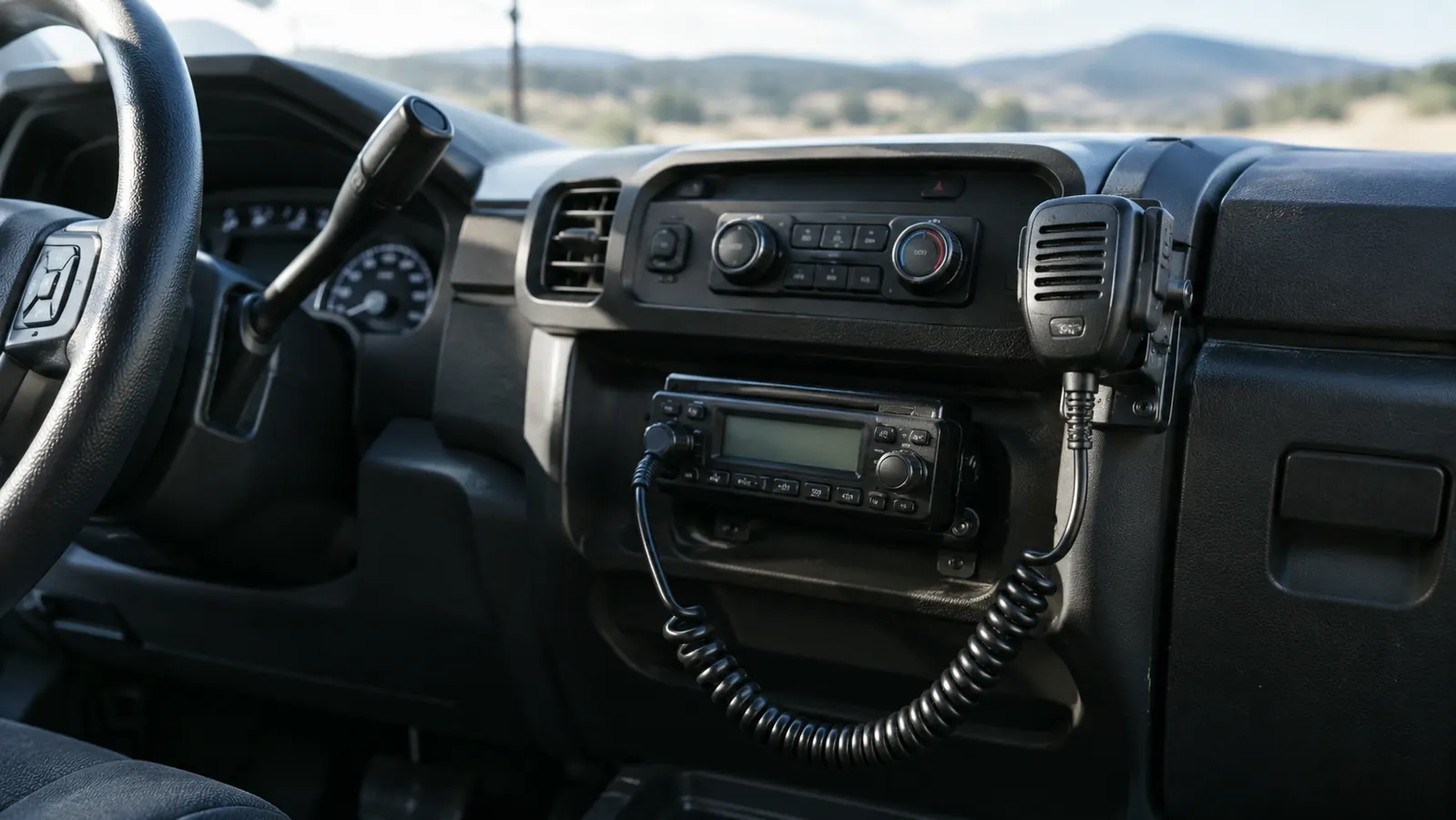
The hardest part of installing a mobile ham radio in a truck is not the radio. It is the antenna, and then the power, and then the coax, and then the part where you check your work before you key up. I have done this job more times than I can count, first on my own truck and then on trucks for friends around Cookeville, and I can tell you the order that saves you the most cussing. I put an AnyTone AT-778UVII under the dash of my old Ford F-150 about two years ago, and it has been there through daily driving, a Tennessee summer, and a winter of ice storms. Here is the whole job, start to finish, the way I would do it in my own driveway.
This guide assumes you already have a license to transmit. If you do not, get your Technician license first. The installation is the same either way, but there is no point rushing the wiring just to sit on a repeater you cannot legally key. Everything else here is mechanical, and it is all stuff you can do with hand tools on a Saturday morning.
The radio I used for this install
The AnyTone AT-778UVII is the dual-band mobile I mounted in my F-150. It is small enough to fit under the dash, puts out 25 watts on VHF and UHF, and has survived two years of washboard gravel roads in my truck.
Amazon Check Today's Price on Amazon →Step 1: Gather your tools and plan the layout
Before you touch the truck, gather everything. You need the radio, the mounting bracket that came with it, a drill with a small bit if you are going to screw the bracket into the dash, a Phillips screwdriver, a 10mm socket for the battery terminals, wire cutters and strippers, a length of fused power wire, ring terminals, a few zip ties, and the antenna kit with its coax. Lay it all on the tailgate so you can see it. Half the installs I have helped with stalled because somebody had to stop mid-job and drive to the hardware store.
Then decide where the radio sits. Under the dash on the passenger side is the usual spot in an F-150. You want it where you can reach the face plate without taking your eyes off the road for long, but not so low that your knee hits it when you get in. Hold the bracket up in a few positions and sit in the driver seat to check. Do not mount it where the heater vent blows directly on the case. Heat is what kills radios over the long haul, and a truck cab in July is already a hostile environment.
Before you pick a spot, sit in the driver's seat with the door closed and pretend to drive. Reach for the spot you have in mind. If you have to lean or stretch, it is wrong. I helped a friend install his first mobile rig in a Jeep a few years back, and he mounted the radio flat under the dash where his knee hit it every time he got in. Within a month the power connector had worked loose twice and he was ready to sell the radio. We moved it four inches toward the center console, and he has not touched it since. Four inches was the whole difference between a radio he hated and a radio he forgot was there.
Step 2: Mount the radio bracket
The AnyTone AT-778UVII ships with a U-shaped bracket and the screws to hold it. The clean way to mount it is to screw the bracket into a solid part of the dash. Find a spot where there is metal or thick plastic behind the surface, not just a hollow panel. In my F-150, the bracket sits against the lower dash support on the passenger side, which gives it something solid to bite into.
Drill a small pilot hole, then drive the screws in by hand so you do not strip the plastic. If you would rather not drill, a heavy-duty adhesive mount or a seat-bolt mount works, but I will tell you the same thing I tell everyone: a radio that bounces around the cab is a radio that stops working. The screws are worth the ten minutes.
Once the bracket is in, slide the radio in and tighten the thumb screws on the sides. Give it a good shake. If it moves, tighten more. The radio should feel like it is part of the truck, because over potholes and gravel roads, that is exactly what it needs to be.
Step 3: Run the power wire
The AnyTone draws a good amount of current when it transmits, so it needs a real power feed. Run a fused line straight from the battery positive terminal, through the firewall, and to the radio. Do not tap into a cigarette lighter socket or an accessory wire. That is the number one mistake I see, and it is the reason some mobile installs only work for a week. The fuse is not optional. It protects the whole truck if something rubs through.
Find the rubber grommet in the firewall where the factory wiring passes through. Poke a small hole in it and push the power wire through, then seal the hole with silicone so water and exhaust fumes stay out of the cab. Route the wire under the carpet or along the door sill trim, and zip tie it every few inches so it cannot snag on anything. On the battery side, use ring terminals and tighten them with a 10mm socket. A loose battery connection causes voltage drops that make the radio act possessed. I have chased that gremlin before, and it is always the connection I rushed.
I use 12-gauge wire for a run like this, and a 15-amp inline fuse within a foot of the battery. The AnyTone pulls around 6 amps on high power, so 12-gauge gives you plenty of headroom and the fuse protects the wire if it ever rubs through. The fuse matters more than people think. A friend of mine tapped his first mobile radio into the cigarette lighter socket because he did not want to drill through the firewall. It worked fine for about a week. Then he keyed up on a cold morning and the lighter socket melted the plastic around it. That is the mistake I keep telling people about. The extra hour it takes to run a real fused line from the battery is the difference between an install you trust and one you worry about. Connect the positive and negative leads to the radio, but leave the fuse out until you are ready to test. That way, if you wired something backwards, you find out with a fuse instead of a fire.
Step 4: Install the antenna and route the coax
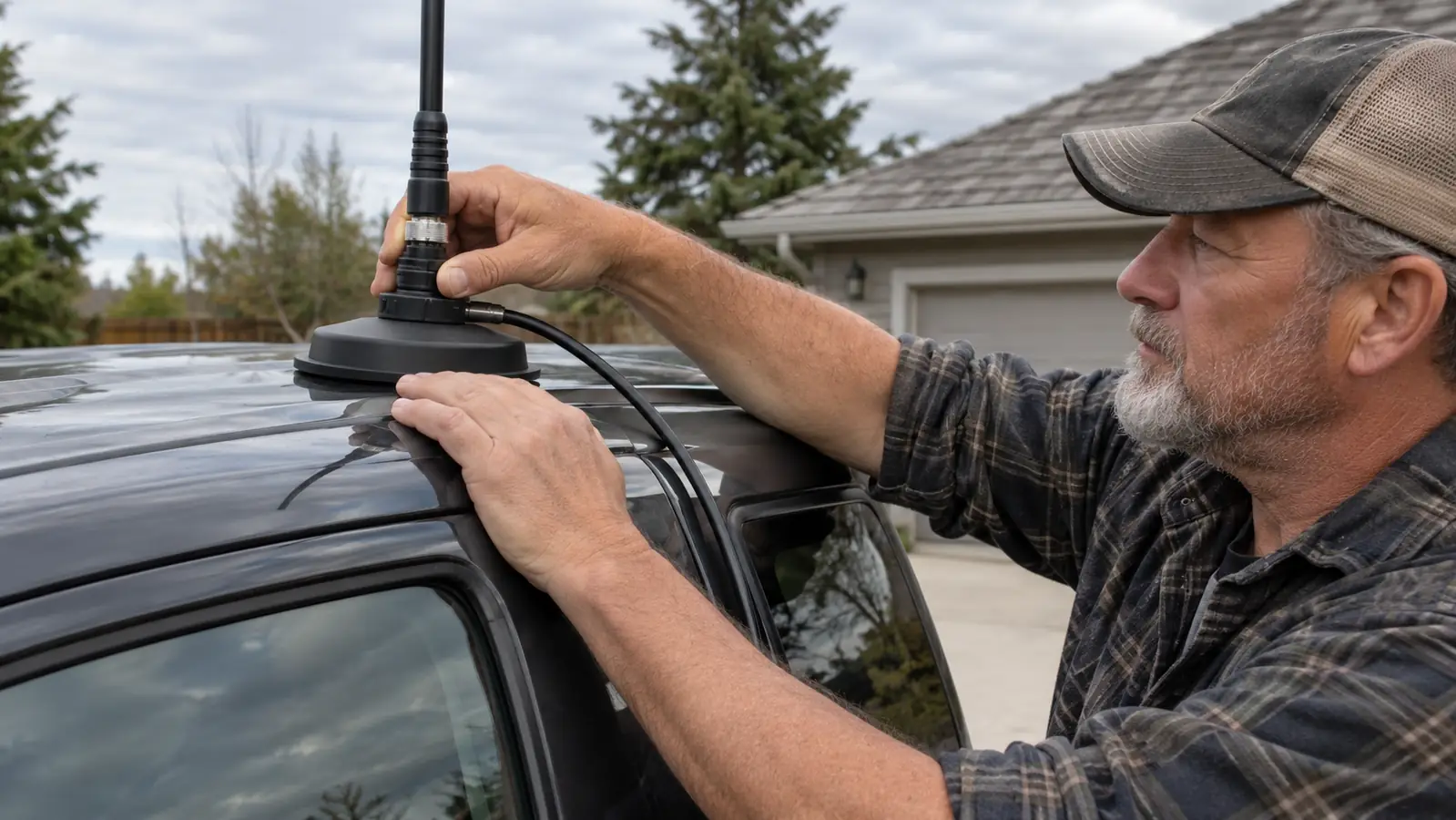
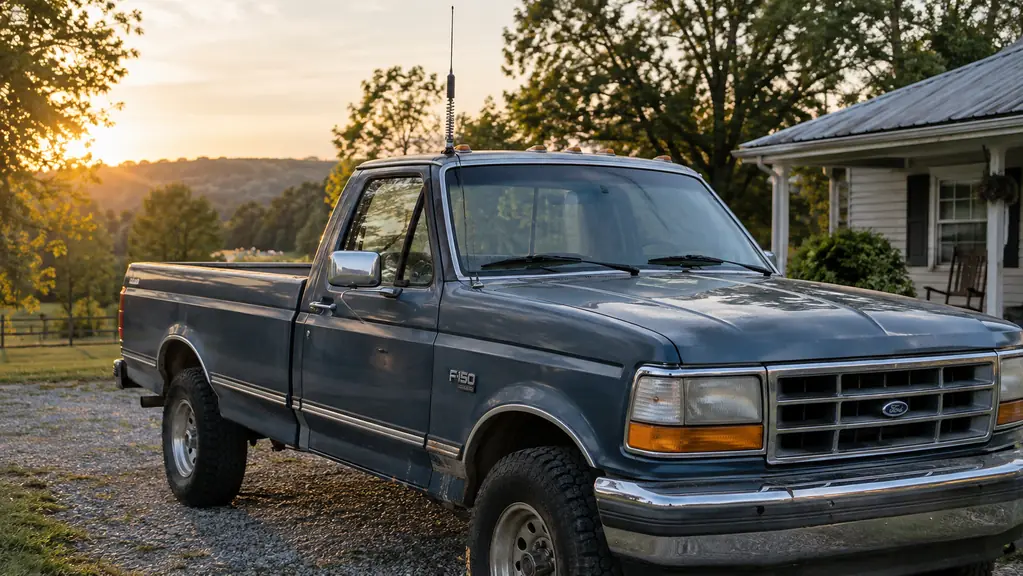
Here is the part that actually decides how well your radio works. The antenna is the most important piece of the whole install, more important than the radio itself. A good radio on a bad antenna is a brick with a screen. I run a dual-band magnetic-mount antenna on the cab roof of my F-150, which means it covers both 2 meters and 70 centimeters, and it has been through car washes and tree branches without moving. The magnet is strong enough that you have to pull hard to get it off.
Put the antenna in the center of the cab roof if you can. That gives it the best ground plane and keeps the pattern even. The coax runs down the outside of the windshield pillar and into the cab through the door jamb. Leave a little slack at the antenna end so the coax does not pull when the door opens and closes. Then route the coax to the radio and connect it to the antenna port on the back of the AnyTone. Hand tighten the connector, then give it a quarter turn with a wrench. A loose connector here will show up as high SWR, and high SWR is how you cook a radio from the inside.
The antenna I run now is the VFAN dual-band magnetic mount, and it sits dead center on the cab roof of my F-150. I learned the routing lesson the hard way with the cheap magnet-mount antenna I used before this one: I ran the coax behind the plastic trim at the top of the windshield, and the door pinched it flat. The radio still keyed up, but the SWR was terrible, and I had to pull the whole run out and start over. When I put the VFAN in, I ran the cable along the outside of the pillar, through the door jamb, and left a loop of slack at the antenna end so the door never touches it. I also zip tied the coax to the pillar every six inches so it cannot flap in the wind. That routing has been in place for two years and I have not touched it since.
Step 5: Check SWR before you transmit
SWR, or standing wave ratio, is a measure of how much of your power is going out the antenna instead of bouncing back into the radio. High SWR is the fastest way to damage a transmitter. The AnyTone has a built-in SWR meter in its menu, which is one of the reasons I picked it, but I still double-check with my NanoVNA-H before I trust a new install. Two meters agreeing beats one meter hoping.
To check it, set the radio to a low power setting, key up on a simplex frequency, which just means a channel where two radios talk directly with no repeater in between, and read the SWR. On 2 meters and 70 centimeters, you want it below 1.5, and anything under 2.0 is usable. If it reads high, the antenna is not getting a good ground plane, meaning the metal surface under it is not doing its job, the coax is pinched, or the connector is loose. Fix the cause, not the meter. Do not just accept a high reading and hope the radio survives. It will not, and I say that from the voice of experience, not theory.
The first time I checked the SWR on this install, I did it on a Tuesday morning before work, and I am glad I did. The built-in meter on the AnyTone showed 1.4, which is fine, but the NanoVNA-H showed 2.6 on 2 meters. Two meters disagreeing means something is wrong. I climbed out and checked the connector at the antenna end, and it had worked loose about a quarter turn from the drive that morning. I snugged it, checked again, and both meters settled at 1.3. That is the thing about checking your work: the radio will not tell you it is hurting itself. It will just keep transmitting into a bad antenna until the output transistors give out. I have seen a cheap handheld die that way, and I would rather spend an hour with a meter than a weekend pulling a radio out of a dash. Once the SWR checks out, put the fuse in, turn the radio on, and do a quick test through a local repeater. If you get a signal report, the install is done. If you do not, go back through the coax and the connections. Nine times out of ten, it is the coax.
What Else Helps
A few extras make the install better over the long haul. A small fuse block under the dash keeps the wiring tidy and makes it easy to add other gear later. A microphone clip mounted to the dash keeps the mic from rolling around the floor. And if you plan to use the radio during a storm when the truck is parked, a power supply on the bench means you can pull the AnyTone out of the truck and run it inside. I keep a Tekpower supply on the bench in the spare bedroom for exactly that reason. When the power goes out, the truck radio becomes the house radio, and I do not have to sit in the cab to use it.
The antenna is the most important piece of the whole install. A good radio on a bad antenna is a brick with a screen.
Ready to put a radio in your truck?
The AnyTone AT-778UVII has been under my dash for two years and I have not had a reason to take it out. It is the radio I would buy again tomorrow.
Amazon Check Today's Price on Amazon →