
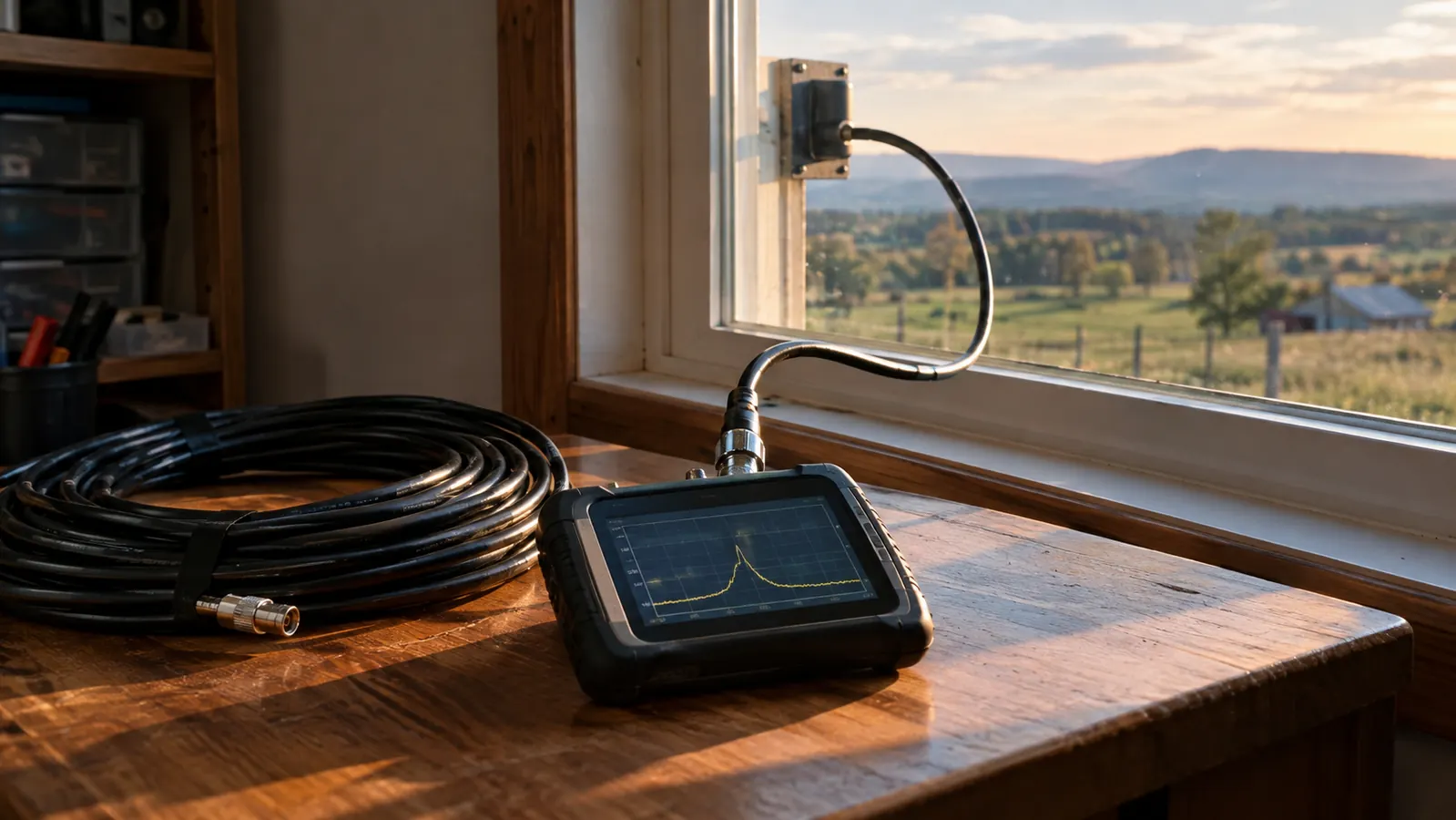
Every antenna problem I have ever had has shown up first as a high SWR reading. SWR stands for standing wave ratio, and it tells you how much of your transmit power is actually leaving the antenna instead of bouncing back down the feed line. If that term is new to you, the short version is this: a bad SWR means your radio is working harder and getting less signal out, and in the worst cases it can damage the radio. I have been checking SWR on my antennas for years, and the tool I reach for now is the AURSINC NanoVNA-H. It is a vector network analyzer that covers 9 kHz to 1.5 GHz, and it does a lot more than the old analog SWR meters I grew up with. It finds problems I used to miss entirely.
After the 2020 ice storm knocked out power and cell service in our county for four days, I rebuilt my whole setup. The handheld I had been using since 2009 finally died, and I replaced it piece by piece with gear I could trust. I bought the AURSINC NanoVNA-H in that same stretch, about two years ago, and it has lived on my bench ever since. I use it to check the backyard wire antenna that feeds the radio corner in the spare bedroom, and I use it on the VFAN dual-band magnet-mount antenna on my F-150. If you have never used one of these analyzers, the good news is that checking SWR is the easiest thing it does. You do not need to be an engineer to get a useful answer out of it.
The Analyzer I Keep on My Bench for Every Antenna Job
The AURSINC NanoVNA-H covers 9 kHz to 1.5 GHz, runs on its own battery, and has paid for itself by catching bad connectors before they cost me a radio. If you want to check the SWR on your own antennas, this is the one I would start with.
Amazon Check Today's Price on Amazon →What You Need Before You Start
Checking SWR with the NanoVNA-H does not take much gear. You need the analyzer itself, charged up, plus a way to connect it to the antenna you want to test. The NanoVNA-H has an SMA connector on top, and most ham antennas use a PL-259 or an N connector, so you will likely need a small adapter or a short jumper cable. I keep a little bag of adapters on the bench for exactly this job. You also need a clear spot near the antenna where you can stand and watch the screen. That is the whole list, and almost all of it probably lives in your radio corner already.
Step 1: Charge the Analyzer and Set the Frequency Range
The NanoVNA-H has a built-in battery, so the first thing I do is make sure it has a charge. It charges over USB, and a full charge will last through a long afternoon of testing. When it boots up, you get a touchscreen interface with a menu running down the side. It looks a little intimidating the first time, but you only need a few buttons for SWR work.
The first thing to set is the frequency range. For a dual-band antenna like the VFAN on my truck, I set the start frequency to 144 MHz and the stop frequency to 148 MHz for the 2 meter band, then I run a second sweep from 430 to 450 MHz for 70 centimeters. For my backyard wire antenna on the HF bands, I set the range much wider, from 1 to 30 MHz, so I can see the whole picture at once. On the NanoVNA you set these with the START and STOP buttons in the menu, and the screen shows you the range you have selected before you sweep.
If you are testing a single-band antenna, you can narrow the range to just the frequencies you care about. A narrower sweep gives you a cleaner trace and makes the dip easier to read. I usually start wide to see what the antenna is doing, then narrow in once I know roughly where the resonant frequency sits.
Step 2: Calibrate with the Open, Short, and Load
Calibration is the step people skip, and it is the step that matters most. The AURSINC NanoVNA-H ships with three calibration standards: an open, a short, and a 50 ohm load. They look like small metal caps with connectors on them. Before the analyzer can give you an honest number, it needs to measure those three reference points on the exact frequency range you chose. Skip this, and the trace on the screen will still look like a curve, but the numbers on it will not mean much.
The procedure is straightforward. In the calibration menu, you attach the open and press OPEN, then the short, then the load. The analyzer sweeps each one and stores the result. It takes about a minute once you have done it a few times. The first time, give yourself a few tries and watch the screen between each step. If a calibration step fails, it almost always means the connector is not seated all the way, so check that before you start over.
One tip that saves me from confusion: calibrate on the same frequency range you plan to use for the measurement. If you calibrate on 2 meters and then sweep the HF antenna, the numbers will be off and you will spend an hour chasing a problem that is not there. Calibrate for the band you are testing, and you can trust what the screen tells you.
Step 3: Connect the Antenna and Run the Sweep
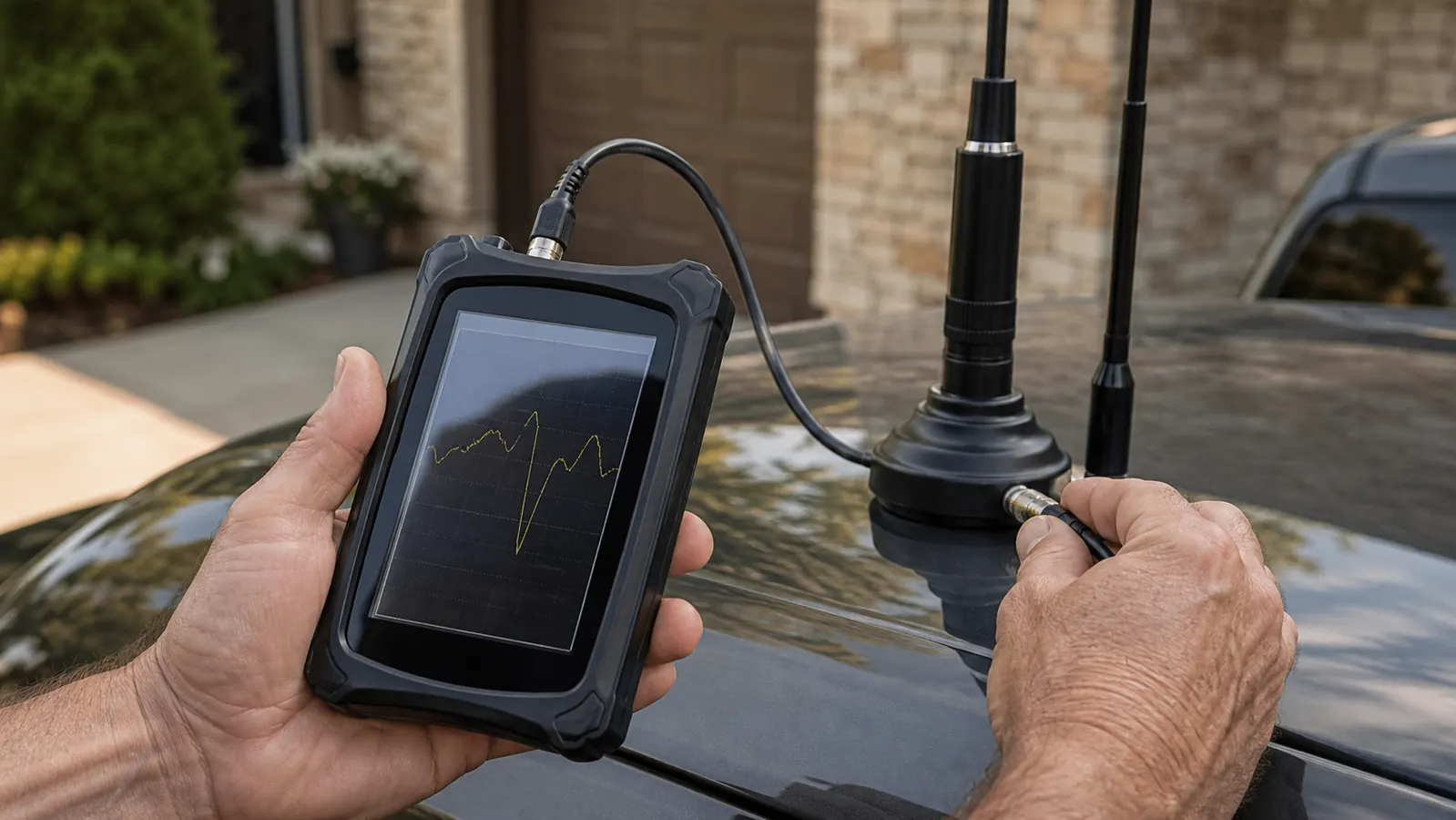
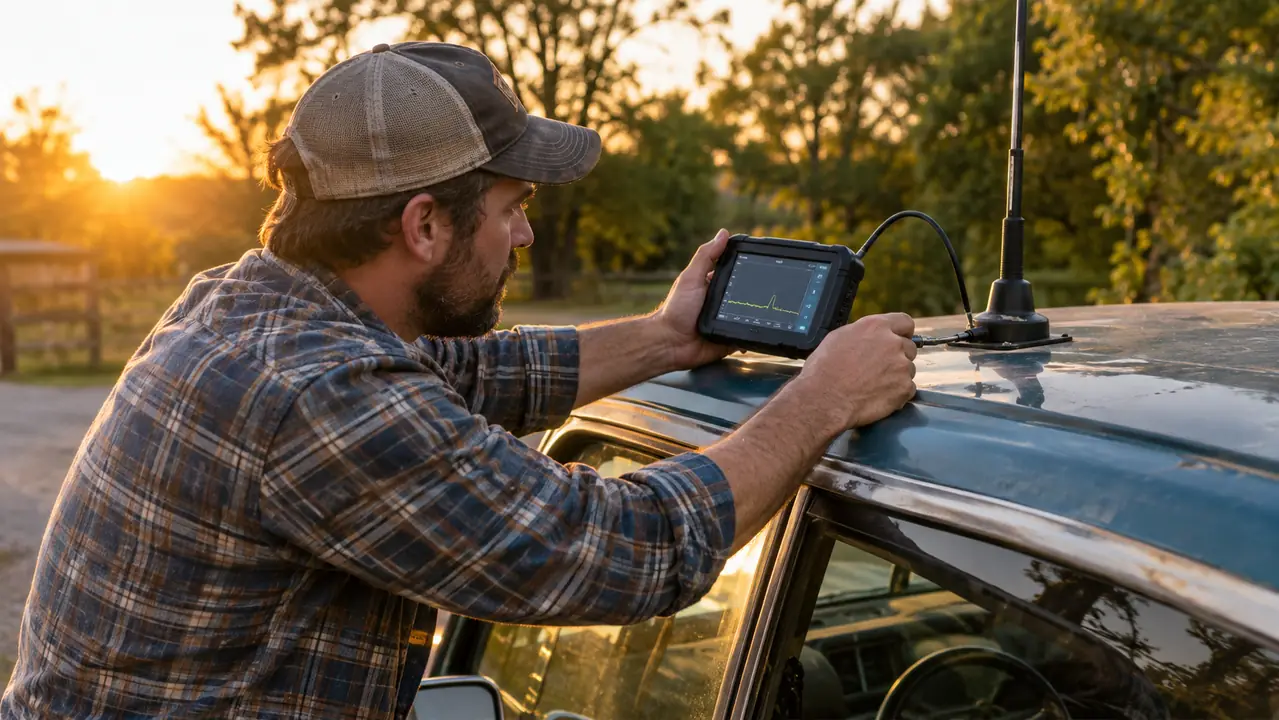
Once the calibration is done, remove the load and connect the antenna you want to test. I connect the analyzer as close to the antenna feed point as I can reach. For the VFAN on the truck, that means standing at the cab roof with the analyzer connected to the base of the antenna. For the backyard antenna, I connect at the point where the feed line comes through the window, which puts the coax in the test. Both approaches answer different questions. Testing at the antenna tells you about the antenna itself. Testing at the radio end tells you about the whole system, coax included.
With the antenna connected, tap the SWR button in the menu. The NanoVNA-H sweeps across the frequency range you set and draws a trace on the screen. You will see the trace bounce around for a moment and then settle into a curve. The curve is the antenna's SWR across the band. Where the curve dips down low, the antenna is happy. Where it sits high and flat, the antenna is not. That is the whole read, and it takes a few seconds.
One thing I have learned the hard way: hold the analyzer still while it sweeps. The trace is built from a lot of individual measurements, and if you are moving the cable around, the curve will wobble and you will chase a reading that is really just a moving cable. Set the analyzer down on the truck hood or the bench, let the sweep finish, and then read it.
Step 4: Read the Dip and Find the Resonant Frequency
The dip in the trace is what you came for. The bottom of the dip is the antenna's resonant frequency, and the depth of the dip is the SWR at that frequency. On the NanoVNA, you move the marker along the trace until it lands at the lowest point, and the screen shows the frequency and the SWR value together. I read the marker position, write it down, and then look at the shape of the whole curve.
Here is how I read the numbers. A SWR of 1.5 to 1 or lower is excellent. Anything down around 1.1 or 1.2 is about as good as a practical antenna gets. A SWR of 2 to 1 is acceptable, and I will run an antenna at that number without losing sleep. Above 2.5 to 1, I stop and find the problem before I transmit on that antenna for any length of time. For a dual-band antenna, you should see two dips, one in the 2 meter range and one in the 70 centimeter range, and both should be reasonably deep.
The other thing I look for is where the dip sits. If the dip is centered on 146.520, the antenna is tuned where I want it. If the dip shows up at 150 MHz instead, the antenna is resonant off-frequency, and I know the coax or the antenna itself needs attention. The analyzer gives you the frequency, so you do not have to guess whether the antenna is working where you actually operate.
Step 5: Fix the Problem and Re-Test
The first time I put the NanoVNA-H on the VFAN antenna on my truck, it showed a SWR of about 3 to 1 at 146 MHz. That is a bad number, and the antenna had been on the truck for months. I had never caught it because I had never looked. The culprit turned out to be a PL-259 connector that had worked loose where the coax meets the antenna base. I replaced the connector, ran the sweep again, and the dip came down to about 1.4 to 1. That one fix probably saved the AnyTone radio under my dash.
I had a similar experience with the backyard wire antenna. The first sweep showed the resonant dip sitting well above the part of the band I use most. I shortened the wire a little, re-tested, and moved the dip down to where I wanted it. Each change took a few minutes, and the analyzer showed me the result immediately. That feedback loop is the whole value of the tool. You adjust, you sweep, you look at the trace, and you know whether the change helped or hurt before you move on to the next thing.
Keep a record of what you find. I keep a small notebook with the date, the antenna, the frequency range, and the SWR at the bottom of the dip for every antenna I own. The next time something does not sound right on the air, I can look back and see what the antenna looked like when it was healthy. That record has saved me more than once.
What Else Helps
A few things make this job easier. A short jumper cable with the right adapters lets you connect the analyzer to antennas with different connectors without fighting the hardware. A second person helps when you are adjusting an antenna and sweeping at the same time, though I have done plenty of solo sessions with the analyzer propped on the truck hood. And it is worth knowing that the NanoVNA-H can do more than SWR. It will measure the length of a piece of coax, find a bad splice, and compare two antennas, all with the same sweep.
None of that requires transmitting, and I want to make that point clearly. The analyzer uses a very low power signal of its own to make the measurement, so you do not need to key up your radio to check SWR. That makes it a safe tool to learn on. You still need a license to transmit on the ham bands, but checking your antenna with the NanoVNA is a receive-side job, and it will not put a signal on the air.
A note on firmware: the NanoVNA-H has received a few updates over the years, and the menu layout has changed a little between versions. If your unit shows a menu that does not match what I describe here, check the version number on the about screen before you start. The steps are the same on every version I have used, but the button names have moved around. A quick look at the manual that ships with the unit will get you oriented.
The first time I swept the antenna on my truck, it showed a 3 to 1 SWR on a setup I had been running for months. The connector was bad, and I would never have caught it by ear alone.
How Often I Check
I check SWR whenever I change something, and I check it on a schedule. In the spring, after a hard winter, I sweep every antenna on the property. I learned that habit the year the ice storm took down half the trees on our place, and I have kept it since. I also sweep the truck antenna a few times a year, because the magnet-mount VFAN takes a beating from weather and tree branches. The analyzer makes this cheap. Each sweep takes a couple of minutes, and the battery lasts through the whole round.
The cost of checking is low, and the cost of not checking is a dead radio or a signal nobody can hear. For the amount of time it takes, there is not much in the radio corner that gives you a better return.
Ten Minutes on the Bench Beats a Dead Radio
Checking SWR with the AURSINC NanoVNA-H takes me about ten minutes per antenna, and it has caught problems that would have cost me a radio. If you would rather find out your antenna is sick before you key up, this is the tool to do it with.
Amazon Check Today's Price on Amazon →